

🗨️ Chat platforms
Connect agents to the conversations where your team already works.
Connect agents to Slack, Telegram, Discord, or Lark / Feishu. Each integration binds an agent to a bot and a set of conversations.
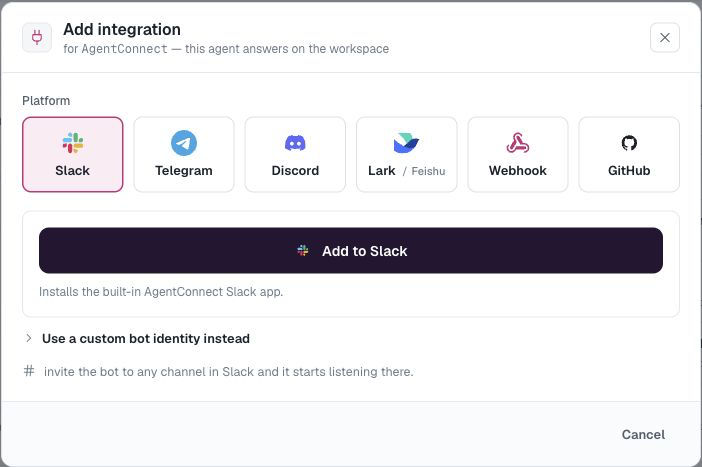
On AgentConnect Cloud, start Slack with the built-in Add to Slack flow. Lark / Feishu also has a recommended one-click setup. Telegram and Discord begin with a bot token from their own platform.
Read Bots to understand reusable bot identities and shared-bot routing. For a practical multi-agent setup, see One Slack app with different agents by channel.
Manage conversations
After a bot discovers a channel, group, or direct message, the conversation appears on the agent's integration. Channels and groups can respond only to mentions, to any message, or not at all. Every observed one-to-one direct message has an independent On / Off control for that agent. It starts On for an Everyone agent and Off for a restricted agent.
Turning a conversation Off mutes inbound activation without removing the bot or preventing deliberate outbound work such as schedules and agent handoffs. Manage actual bot membership in the chat platform when you want the bot to leave a conversation.
Updated 3 days ago